Protect Your Spotify Premium Account in 2026 (Complete Safety Guide)
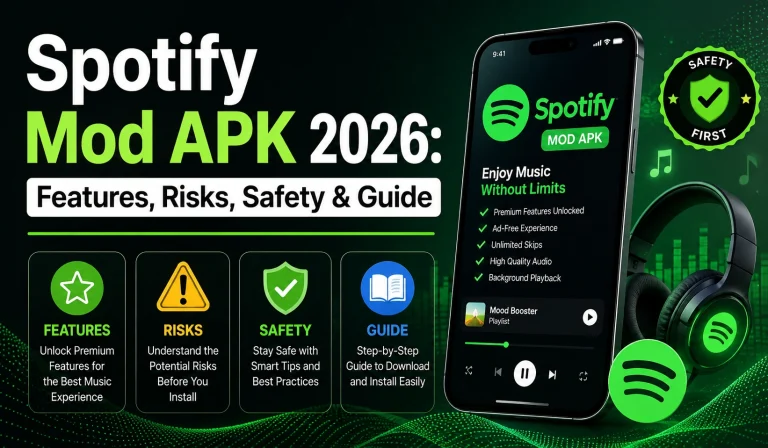
Spotify has become one of the most used music streaming platforms in the world, but many users still ignore the importance of account security. In 2026, online threats like phishing scams, fake Spotify login pages, unsafe MOD APK files, and password leaks are becoming more common. A hacked Spotify account can expose personal information, payment details, playlists, and connected devices without the user even noticing immediately.
Many people use Spotify daily on phones, laptops, smart TVs, and gaming consoles, which increases the need for better account protection. Simple habits like using a strong password, avoiding suspicious links, and checking connected devices regularly can help users keep their Spotify accounts safe. Understanding basic Spotify security is now an important part of safe online streaming and digital privacy.
Why Spotify Account Security Matters in 2026
Spotify accounts now store much more than music preferences. Many users connect payment methods, email accounts, social profiles, and multiple devices to their Spotify accounts. If account security becomes weak, hackers may gain access to private information, change account settings, misuse subscriptions, or even lock users out completely. This is why protecting a Spotify account is just as important as securing other online accounts today.
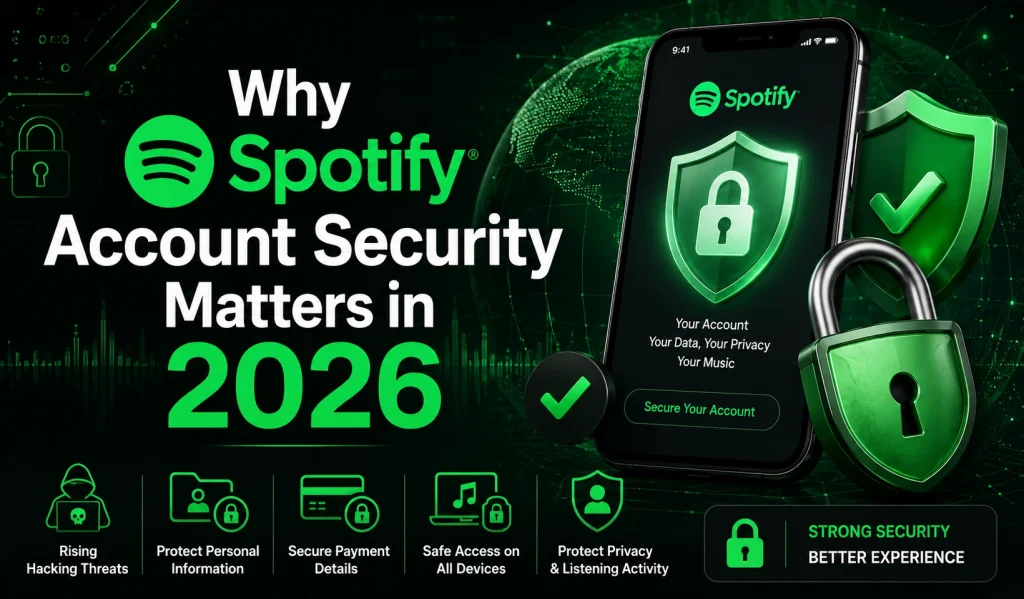
Another major reason Spotify security matters in 2026 is the growing number of fake APK websites, phishing emails, and unauthorized third-party apps targeting music streaming users. Many people unknowingly share account access through unsafe links or public devices, increasing security risks. Keeping Spotify accounts secure helps users protect their privacy, listening history, personal data, and overall streaming experience while avoiding unnecessary problems in the future.
Common Ways Accounts Get Hacked
Many Spotify users think hackers only target banking or social media accounts, but music streaming accounts are also becoming a common target in 2026. Weak passwords, fake login pages, unsafe APK downloads, and careless login habits often give attackers easy access to user accounts. In many cases, people do not realize their Spotify account has been compromised until playlists change, strange devices appear, or premium subscriptions stop working properly.
- Weak or reused passwords make accounts easier to access
- Fake Spotify login pages steal usernames and passwords
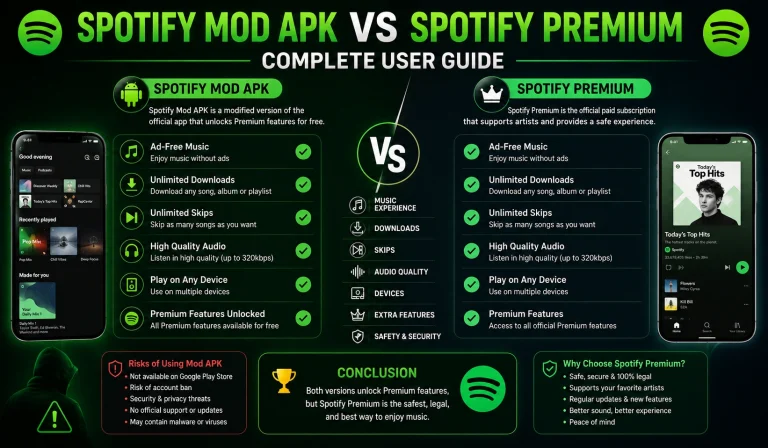
- Unsafe MOD APK downloads may contain malware or spyware
- Public WiFi networks can expose login information
- Shared devices sometimes keep accounts logged in
- Suspicious third-party apps may collect account data
- Fake giveaway scams often trick users into sharing details
- Data leaks from other websites can affect Spotify accounts
Signs Your Spotify Account May Be Compromised
Sometimes hacked Spotify accounts show small warning signs before serious problems happen. Many users ignore unusual activity at first, thinking it is just an app issue or technical problem. Checking your account activity regularly can help you quickly detect unauthorized access and secure your Spotify account before more damage happens.
- Unknown playlists suddenly appear in your library
- Random songs start playing without your control
- Login alerts come from unfamiliar locations or devices
- Your password stops working unexpectedly
- Premium subscription settings change automatically
- Strange devices appear in connected sessions
- Music playback pauses because another device is using the account
- Spotify sends unexpected security or verification emails
How To Create a Strong Spotify Password
A strong Spotify mod apk password is one of the easiest and most important ways to protect your account from hackers in 2026. Many users still use simple passwords like birthdays, names, or common words, which makes accounts easier to access through automated attacks and password leaks. Creating a secure password helps protect your playlists, subscription details, connected devices, and personal information from unauthorized access.
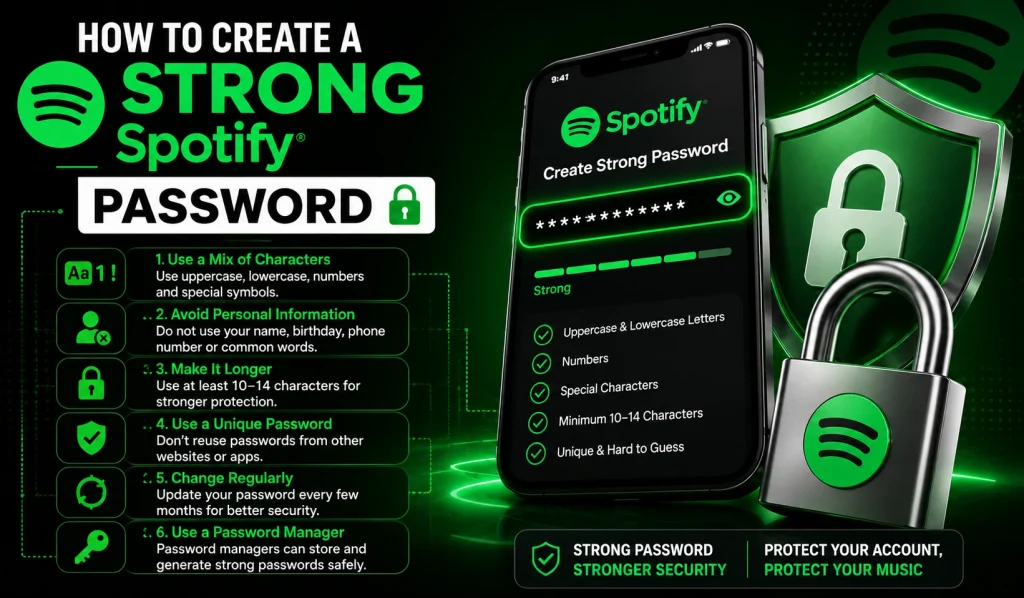
Step 1: Use a Mix of Characters
Create a password using uppercase letters, lowercase letters, numbers, and special symbols. This makes the password harder to guess.
Step 2: Avoid Personal Information
Do not use your name, birthday, phone number, or simple words related to your life. Hackers often target common personal details first.
Step 3: Make Your Password Longer
Use at least 10 to 14 characters for better protection. Longer passwords are usually more difficult to crack.
Step 4: Use a Unique Password for Spotify
Avoid reusing passwords from other websites or apps. If another account gets leaked, hackers may try the same password on Spotify.
Step 5: Change Your Password Regularly
Updating your password after a few months can improve account security and reduce risks from older leaked credentials.
Step 6: Consider Using a Password Manager
Password managers can safely store strong passwords and help users avoid using weak or repeated login details.
Safe Login Tips for Spotify Users
Spotify users often log in from multiple devices like phones, laptops, gaming consoles, smart TVs, and tablets. While this makes streaming easier, it can also increase security risks if users ignore safe login habits. Simple precautions can help prevent unauthorized access and protect Spotify accounts from phishing attacks, suspicious apps, and public network threats.
How To Manage Spotify Connected Devices and Apps
Many Spotify users connect their accounts to multiple devices such as smartphones, laptops, smart TVs, gaming consoles, speakers, and third-party apps. While these connections make streaming more convenient, they can also create security risks if users forget to manage them properly. Unknown devices or suspicious apps connected to your Spotify account may allow unauthorized access, affect account privacy, or even control playback activity without permission.
Remove Unknown Devices
Open your Spotify account settings and check the list of connected devices regularly. Remove devices you do not recognize or no longer use.
Disconnect Suspicious Third-Party Apps
Some external apps request Spotify account access for music features or automation tools. Disconnect apps that seem unsafe or unnecessary.
Review Active Login Sessions
If you notice unusual activity, use the “Sign Out Everywhere” option to logout from all devices and secure your account quickly.
Avoid Sharing Accounts on Multiple Devices
Too many shared logins can increase security risks and make account activity harder to track safely.
Check Smart TVs and Gaming Consoles
Spotify accounts often stay logged in on TVs and consoles for long periods. Always logout before selling or sharing devices.
How To Keep Your Spotify App Safe and Updated
Keeping the Spotify app updated is one of the simplest ways to improve account safety and overall performance. New updates often include important security improvements, bug fixes, privacy protections, and better compatibility with modern devices. Using outdated app versions or unofficial APK files can increase the risk of account problems, app crashes, malware infections, and unauthorized access.
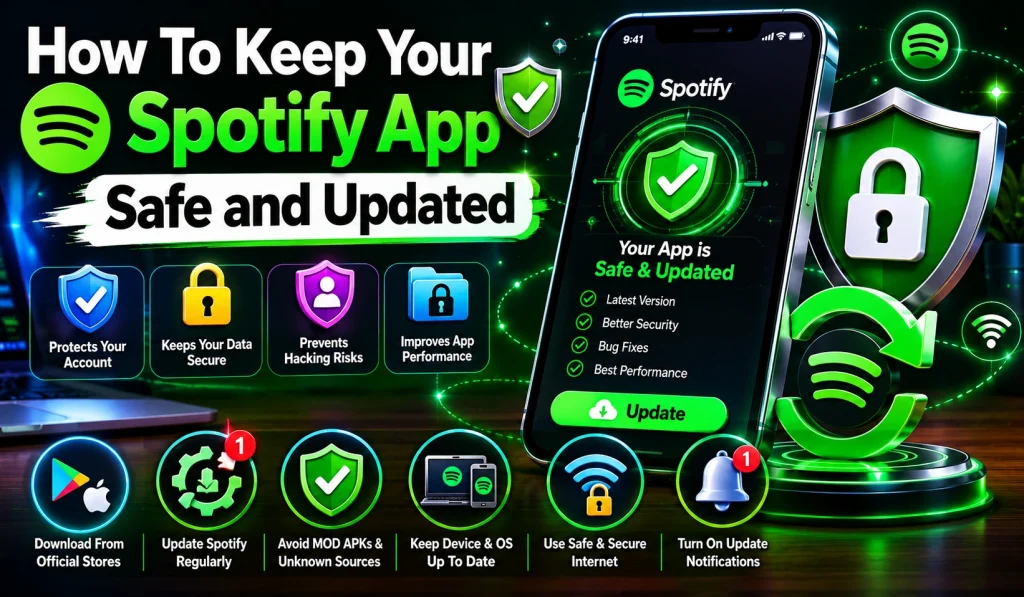
Users should always download Spotify from official sources like the Google Play Store, Apple App Store, or the official Spotify website. Avoid downloading modified or old APK versions from unknown websites because some files may contain harmful code or unsafe modifications. Regular updates also help improve streaming quality, playback stability, and device security while keeping the app safer for everyday use.
Best Spotify Security Habits in 2026
Keeping your Spotify account safe in 2026 is not only about using a strong password. Users now connect Spotify to many devices, apps, and online services, which increases privacy and security risks over time. Following simple security habits regularly can help protect personal information, listening activity, playlists, payment details, and connected devices from unauthorized access or online scams.
✔ Use a strong and unique Spotify password
✔ Change your password regularly for better account protection
✔ Avoid downloading Spotify MOD APKs from unknown websites
✔ Check connected devices and active sessions often
✔ Logout from public or shared devices after usage
✔ Keep your Spotify app and device software updated
✔ Avoid clicking suspicious Spotify login links or fake emails
✔ Secure the email account connected with Spotify
✔ Use trusted internet connections whenever possible
✔ Remove unnecessary third-party apps connected to Spotify
✔ Review account activity regularly for unusual behavior
✔ Enable device lock and screen security on phones and laptops
Frequently Asked Questions
Final Thoughts
Spotify account security is becoming more important as online threats continue to grow in 2026. Simple habits like using strong passwords, avoiding fake login links, managing connected devices, and keeping the app updated can greatly reduce security risks. Users who stay careful with public networks, suspicious APK files, and third-party apps can protect their personal information and enjoy a safer streaming experience. Following smart Spotify safety practices regularly helps keep accounts secure, private, and more reliable for everyday music streaming.